Tutorial · 6 steps
How to use our online photobooth
From a room code to a strip you both took at the same second — in under five minutes.
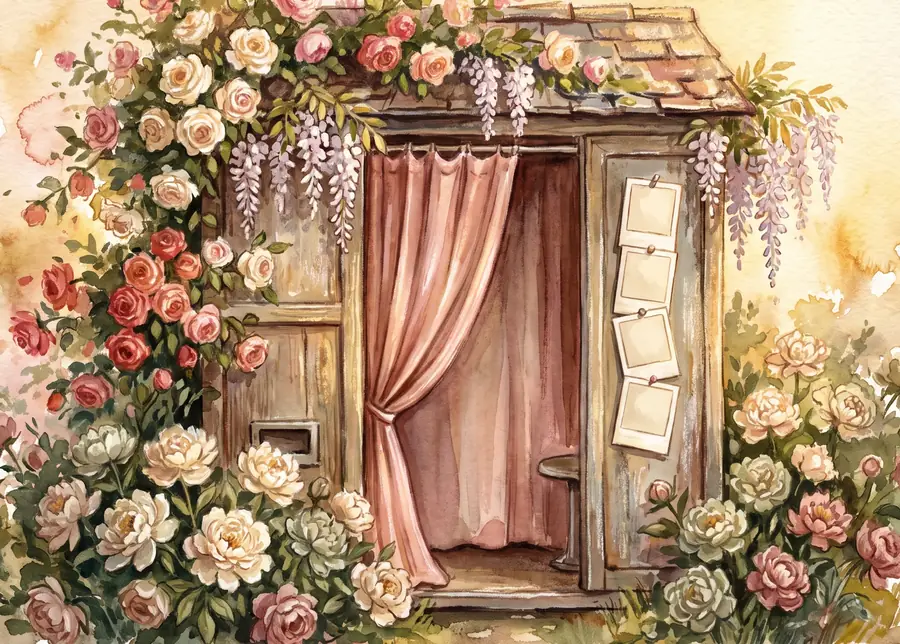
Remember when date night meant dressing up, walking hand in hand into a brightly lit arcade, and cramming together into a tiny velvet-curtained photobooth? You’d count down 3… 2… 1…, strike a ridiculously goofy pose, and wait with butterflies for that warm paper strip to slide out.
When you’re in a long-distance relationship, it’s easy to feel like those spontaneous, tactile moments are completely out of reach. They aren’t. You don’t need a trip to the mall, and you definitely don’t need to be in the same city — just a few minutes, a bit of excitement, and getangie.com.
Whether you open your browser on a laptop or the app on your phone, getting into a shared frame takes less than five minutes. Here’s how simple it is.
Step into the booth
Head to getangie.com in your browser or launch the app, and tap Photobooth. From there you can either create a new room and send the invite link to your partner, or jump into theirs using their 5-letter room code.
Want to practise your poses first, or make a solo strip? You can jump in by yourself any time — the solo link is right on the start screen.
Choose your vibe and strip format
First pick the booth style that fits your mood — timeless Classic, warm Vintage (a 1930s photo-automat, complete with sliding velvet curtains), the Meme booth that deals you a pose to recreate, or one of the Korean-trend rooms like the laundromat drum, the subway car and the karaoke booth. Then name yourselves.
Next, your layout: most couples go for the classic 1×4 strip — four stacked shots — though there’s a 2×2 rectangle too. Then open a theme pack: keep it minimal with solid colours, or go bold with patterns, whole designed collage strips, travel, food and seasonal packs.

Set the scene
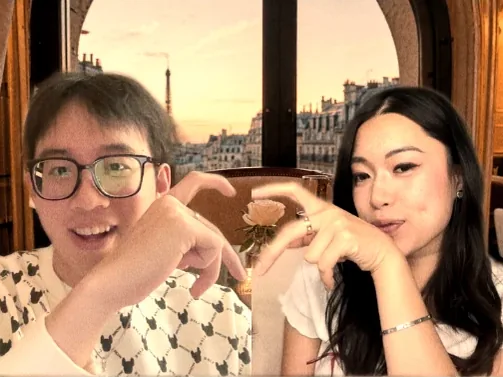
Before the camera rolls, make the backdrop special. Pick a shared scene and it splits across the two of you, so you composite into one continuous place — match it to where you both are, or to where you dream of going next. Add a face filter if you’re feeling silly, and browse the pose suggestions if you need inspiration.

Here’s the part people are always relieved by: nothing counts down while you’re still choosing. The booth opens and waits until both of you have tapped “I’m ready”. No scrambling because your partner started the timer.
Strike your poses
Hit start and let the fun begin. The booth takes six shots, each with a three-second countdown, giving you plenty of room to laugh, try silly expressions, or steal a virtual kiss. A new pose suggestion appears under the camera as each countdown begins — and because you’re in different rooms, they’re all written to work across the gap. (Our favourite: you each make half a heart, and it closes into one on the strip.)
 3
3
Both cameras fire on the same tick — the server owns the clock, so your shot and theirs are the same instant, not two screenshots stitched together.
Customise and make it yours
Once the flash stops, pick your four favourite shots out of the six to place into the strip. Apply a final strip-wide filter, slap on some stickers, or draw little doodle notes directly on the frame to mark the date. Both of you can edit at once — you’ll see their cursor moving as they do it.

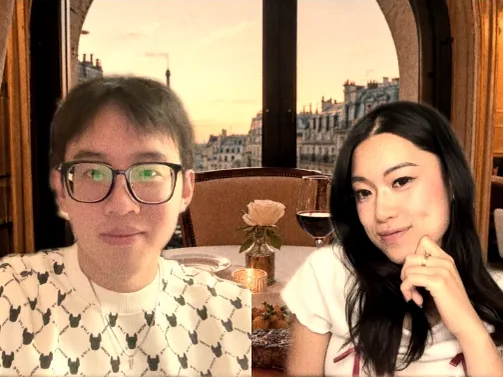
Hold onto the memory
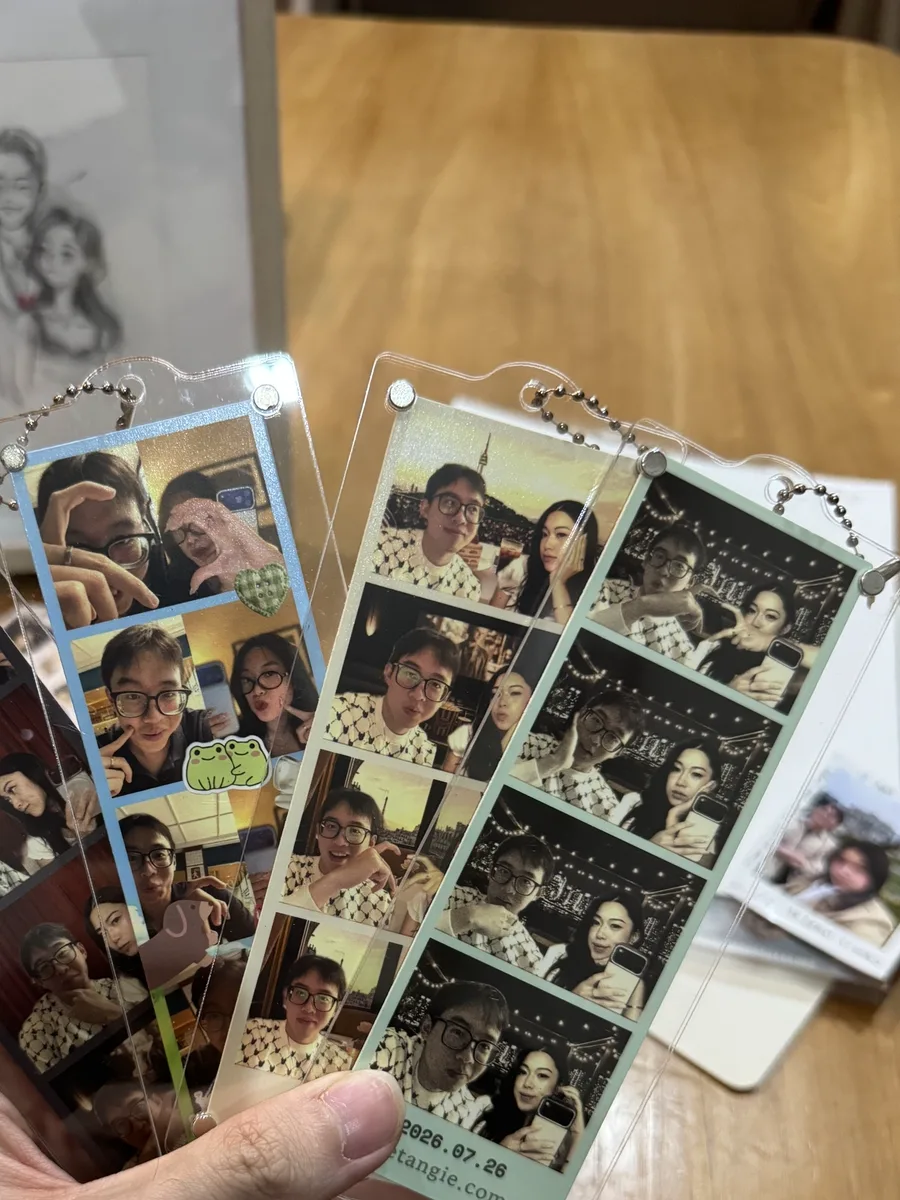
Save your strip and put it somewhere you’ll see it — an Instagram story, your shared album, a phone lock screen. Playing is always free, and so is the shareable copy; the clean high-resolution strip and the video of your booth session are a one-time unlock for that room, or included with Premium.
Best of all: have it printed and posted. Imagine their face when they open the mailbox and find a real, physical photo strip to pin on their mirror.
Read next